Video Conversion
Convert MP4, MOV, and other major formats in bulk with zero quality loss. Effortlessly extract high-quality audio tracks from your video library, streamlining your preparation for editing and archiving.
- MP4
- MKV
- MOV
- WEBM
- AVI
A powerful batch converter to process video, audio, and image files at scale. Everything runs 100% locally on your device—no cloud uploads required—ensuring faster workflows and total privacy.
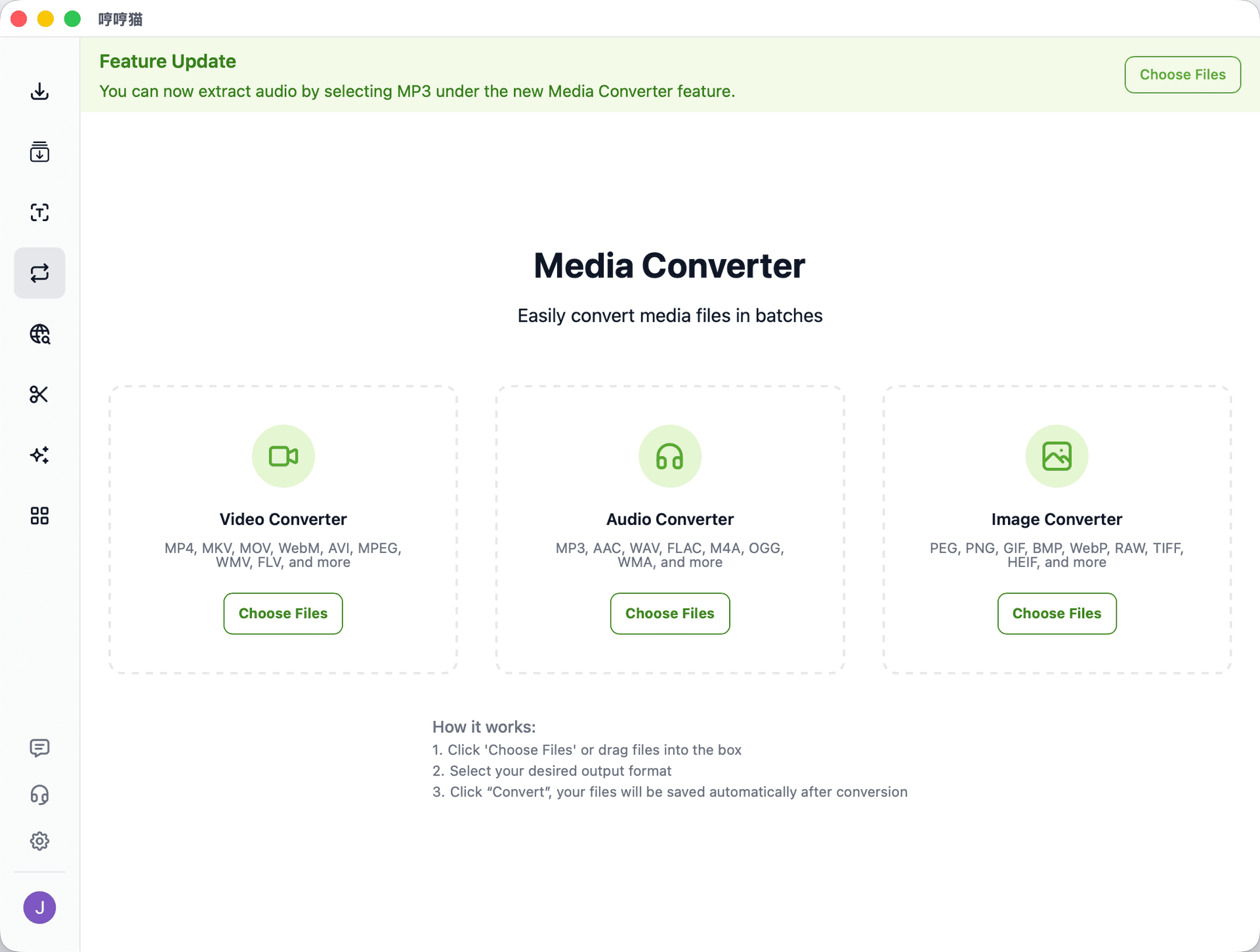
A versatile desktop converter for all your essential media formats—built for everyday organization and professional workflows alike.
Convert MP4, MOV, and other major formats in bulk with zero quality loss. Effortlessly extract high-quality audio tracks from your video library, streamlining your preparation for editing and archiving.
Batch-convert between MP3, WAV, FLAC, and more. Precisely manage sample rates and bitrates to ensure consistent playback quality across all devices and streaming platforms.
Transform HEIC, RAW, and traditional formats into web-ready assets instantly. Leverage smart compression to output WebP or AVIF files that drastically reduce size without sacrificing visual fidelity.
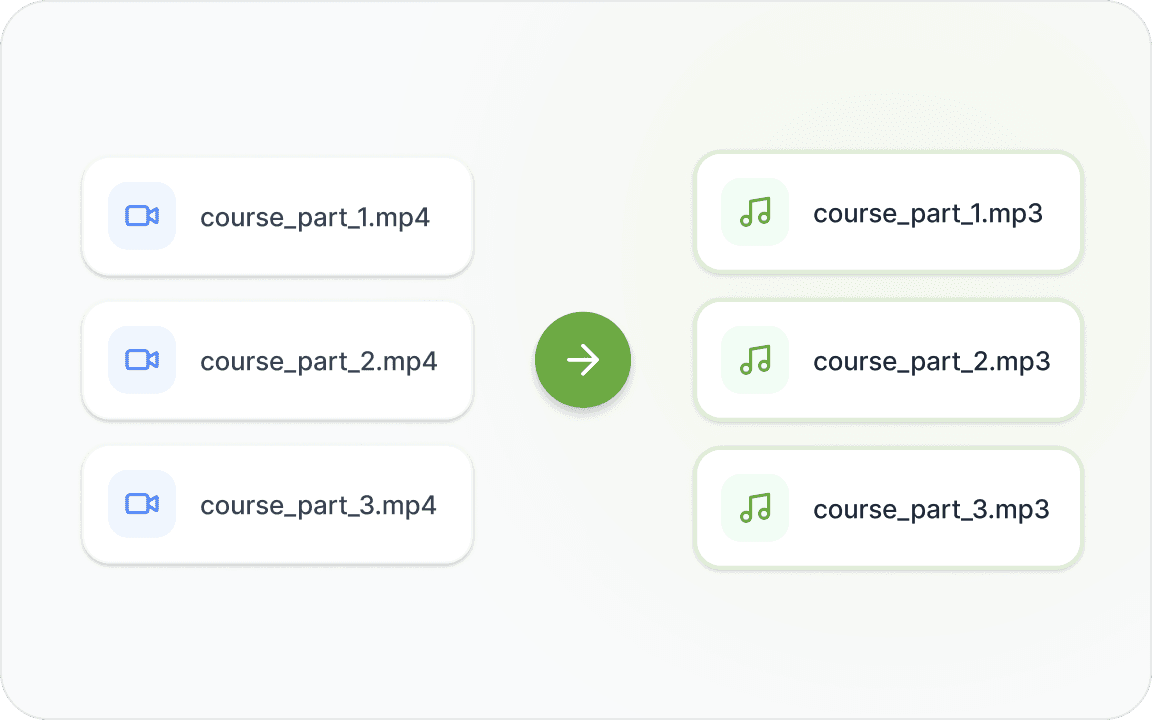
Stop wasting time exporting files one-by-one in an editor. Whether you need MP3, WAV, or FLAC, simply import your video library and extract high-fidelity audio tracks in a single, automated pass.
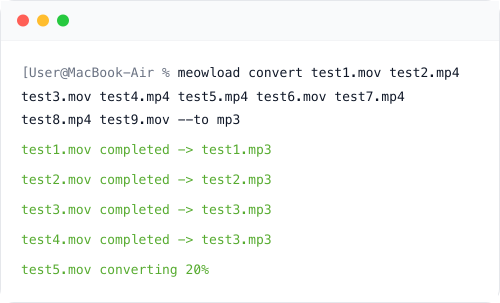
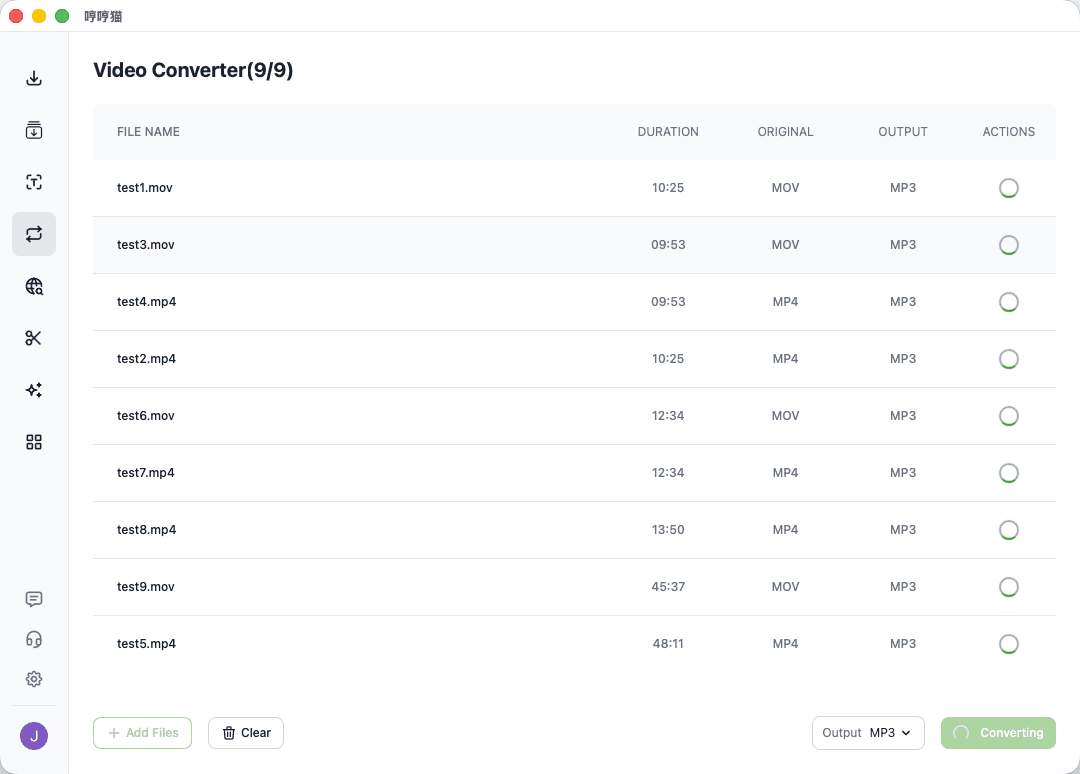
Built for power users handling large-scale media libraries. Manage complex jobs via an organized queue, or use CLI support to integrate MeowLoad directly into your existing automation pipelines and custom scripts.
Your files never leave your machine. By processing everything locally, you eliminate privacy risks and bypass the bandwidth bottlenecks of web-based tools—allowing for lightning-fast processing of even the largest files.
From independent creators to enterprise teams, MeowLoad provides the speed and flexibility needed to manage media assets at any scale.
Extract audio and prep raw footage at scale. Skip the tedious export process and focus on the creative edit.
Optimize assets with bulk WebP/AVIF conversion. Deliver stunning visuals without sacrificing page speed or performance.
Ensure your episodes sound great everywhere. Batch-convert audio files for flawless playback across all streaming platforms.
Turn device-specific files into standard formats anyone can open. Keep your team’s assets moving without the format headaches.
Convert video, audio, and image files locally on Windows and macOS with broad format support.